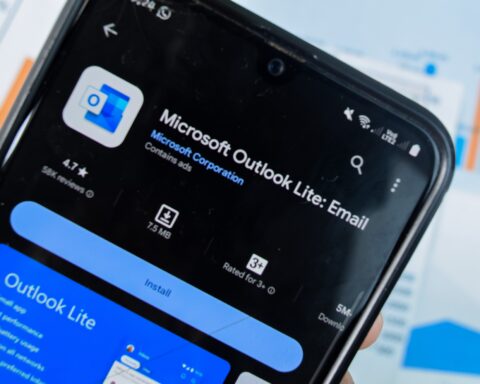

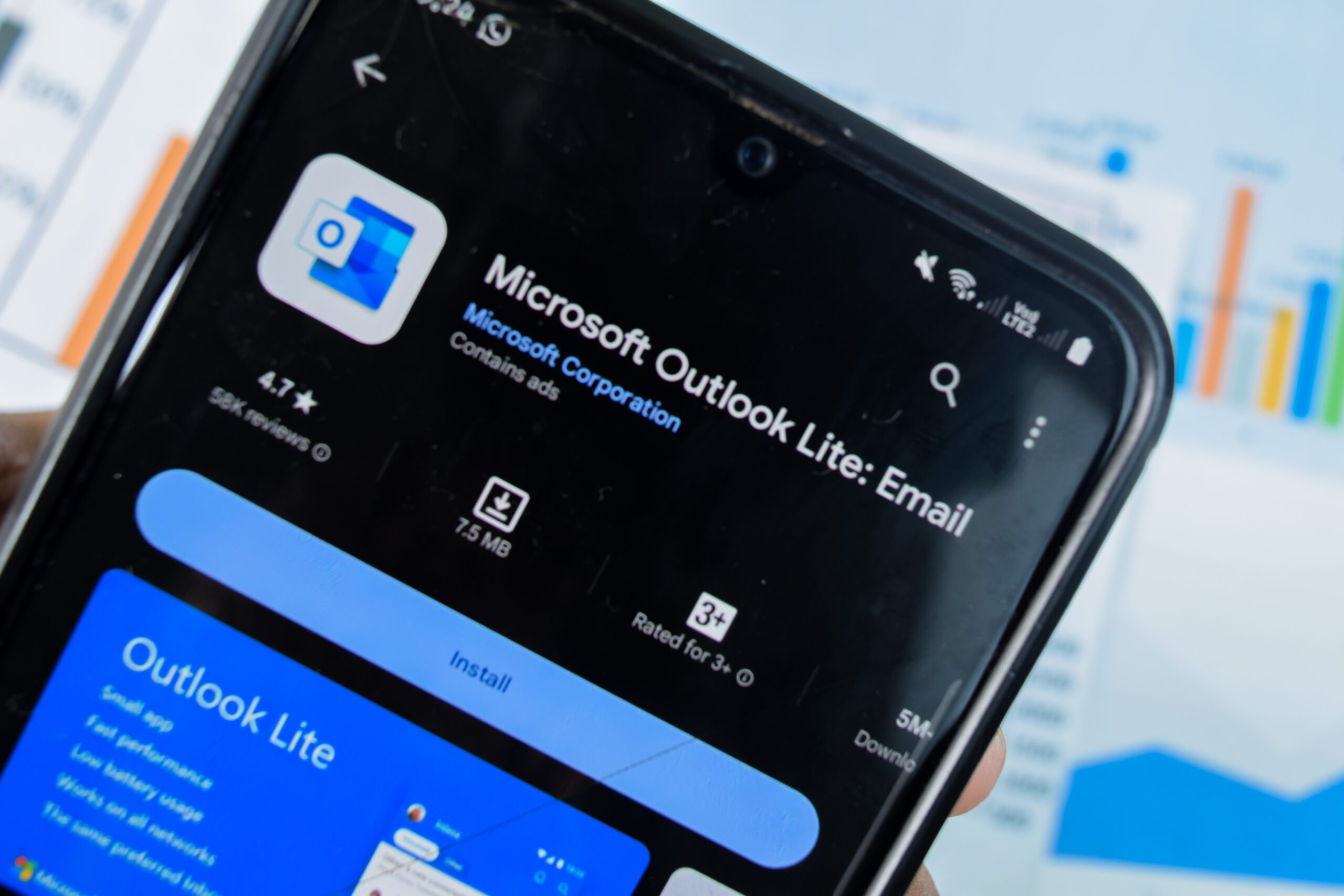
Microsoft has confirmed the final date for Outlook Lite on Android. It is May 25, 2026. That is six weeks from today. If the app is still on your phone and you are using it for email, your mailbox stops working on that date.
The app will still launch, you will still be able to tap its icon and watch it open, but you will not be able to read, send, or manage a single email. Calendar access gone. Contacts gone. Everything locked behind a dead interface that technically still exists but does nothing.
Check your phone now. If you see Outlook Lite, open it and use the Upgrade button to switch to Outlook Mobile, or go directly to the Google Play Store and download Outlook Mobile yourself.
Your emails, calendar items, and attachments all transfer automatically once you sign in.
Microsoft is not deleting any accounts or any data, everything is still there, it just requires the new app to access it. The switch takes minutes.
If you have never heard of Outlook Lite, that is entirely possible. It was an Android-only product, targeted at specific countries and specific types of users.
There was never an Outlook Lite for iOS, and until recently it was not available in most Western markets.
If you are in one of the regions where it launched, India, Brazil, Mexico, South Africa, Turkey, Indonesia, or more than a dozen other countries, or if you are running an older Android phone with limited storage and you downloaded it before October 2025, it may be on your device right now and you may not have realized the clock started ticking.
What Is Outlook Lite and Why Did It Exist?
Microsoft launched Outlook Lite in August 2022 for Android devices in a select list of countries.
The pitch was simple. Full Outlook Mobile is a large, feature-heavy application that demands real hardware to run properly. Outlook Lite was built for everyone else.
The numbers tell the story. Outlook Lite was 5 megabytes. Full Outlook Mobile is over 100 megabytes.
Lite required only 1 gigabyte of RAM, the minimum spec on many entry-level and mid-range Android devices sold across emerging markets. It was optimized to work on 2G and 3G networks, the connectivity reality for hundreds of millions of people in regions where 4G or 5G coverage remains inconsistent or expensive.
It used less battery. It loaded faster. It had no Microsoft 365 telemetry bloat or Copilot integrations or Teams notifications or cloud document syncing.
It was email, calendar, and contacts, cleanly, quickly, without asking anything from the device running it.
It launched in Argentina, Brazil, Chile, Colombia, Ecuador, India, Mexico, Peru, Saudi Arabia, South Africa, Taiwan, Thailand, Turkey, and Venezuela. Those are not randomly selected countries.
They are markets where mobile data costs more relative to income, where older devices are more common, and where a 5MB email app made a genuine practical difference.
By September 2024, two years after launch, Outlook Lite had crossed 10 million downloads. That is a product that found its audience.
Over time Microsoft added features. Multi-account support, Gmail integration, and SMS integration that merged text messages directly into the inbox alongside email, a particularly useful addition in markets where SMS communication remains central to daily life.
Hindi, Tamil, Telugu, Marathi, and Gujarati language support arrived in late 2023 for Indian users.
The app was being maintained, expanded, and improved right up until Microsoft decided to shut it down.
The Retirement Timeline
The decision was not sudden. Microsoft began signaling the end of Outlook Lite in September 2025 via the Microsoft 365 Message Center.
The first concrete step came on October 6, 2025, when new installations were blocked in the Google Play Store, if you searched for Outlook Lite after that date, you could not download it.
Anyone who already had it installed could continue using it, under what Microsoft described as “a limited time before full retirement.”
That limited time ends May 25, 2026. The official retirement notice came through Microsoft 365 Message Center message MC1276508:
“Outlook Lite will be retired as part of our broader effort to reduce overlap and focus development and support on Microsoft Outlook Mobile, our primary mobile email experience. After this change, Outlook Lite will no longer provide functional access to mailbox features.”
After the deadline, according to Neowin which first reported the final date, the app will still open but mailbox access will be disabled and in-app navigation and functionality will no longer work.
No accounts are deleted. No data is lost. But the app becomes a ghost, present on the device, effectively useless.
What Does Microsoft Recommend Doing?
Microsoft’s instruction is straightforward. Switch to Outlook Mobile. The company says all existing email, calendar items, and attachments will remain fully accessible once users sign in on Outlook Mobile using the same account credentials.
The migration path inside the app is practical. There is an “Upgrade” button within Outlook Lite that takes you directly to the Google Play Store listing for Outlook Mobile.
Neowin notes this is the most straightforward option for both individual users and IT administrators managing organizational devices. Alternatively, any Android user can go to the Play Store, search for Microsoft Outlook, and install it directly, same result.
Microsoft’s security argument for this consolidation is substantive. Running an unsupported app after the retirement date is not just a functionality problem, it is a security risk.
Email is among the highest-risk applications on any mobile device. It receives attachments, connects to authentication servers, handles credentials, and processes content from external senders on a continuous basis.
When Microsoft stops maintaining Outlook Lite’s backend connections and stops issuing security patches, the exposure window opens and does not close.
For organizations in particular, pushing users to a single supported client means enforcing consistent conditional access policies, app protection rules, and compliance requirements across the entire mobile email fleet.
Enterprise IT teams are relieved, not frustrated, when the product they support collapses from two apps to one.
From a pure product logic standpoint, Microsoft’s rationale holds. Maintaining two parallel mobile email clients, both doing largely the same job, both requiring separate engineering, security patching, quality assurance, and support channels, is genuinely expensive.
Consolidating on one flagship client frees development capacity and allows security and feature updates to be delivered faster and more reliably.
The company says Outlook Mobile has improved significantly since Lite launched in 2022, and that the main app is now capable enough to handle what Lite’s users need.
Where The Concern Is Legitimate
Not everyone agrees the transition is seamless, and the concern is worth taking seriously.
Outlook Lite was 5 megabytes. Outlook Mobile is over 100 megabytes. For a user with an entry-level Android phone with 16 or 32 gigabytes of total storage, which is the reality in many markets, that difference is not trivial.
The RAM requirement difference is equally real. 1GB for Lite versus the effectively higher bar of the full app.
Battery consumption, data usage, and background sync behavior all change with the switch to Outlook Mobile.
Users who were on Outlook Lite specifically because the full app was too heavy for their device may find the replacement similarly taxing.
There is also a data privacy dimension. Outlook Mobile collects broader telemetry and integrates more deeply with Microsoft’s cloud services than Lite did.
Users who chose the simpler app in part because they preferred a lighter telemetry footprint no longer have that option within Microsoft’s official offerings.
Microsoft has not announced any plans to build a “Lite mode” inside Outlook Mobile for users with constrained devices.
The company has acknowledged that some users may need to explore third-party alternatives, without officially endorsing any specific options.
For users in markets where Outlook Lite’s particular combination of speed, data efficiency, and low resource usage was the point, and where Outlook Mobile’s heavier profile may not be a suitable substitute on their actual hardware, the retirement is a real loss, not just a rebranding.
What To Do Before May 25th
If you are using Outlook Lite, the action is clear. Open the app, tap the Upgrade button, and install Outlook Mobile now rather than six weeks from now.
Doing it now means you have time to verify that everything transferred correctly, that your settings look right, that the app functions acceptably on your device, and that you can get help if anything goes wrong, before the deadline forces the issue.
If Outlook Mobile does not work well on your hardware after trying it, the six weeks you have before May 25 is your window to research and set up an alternative email client before the forced switch.
Running Outlook Lite past the deadline is not a viable long-term option, the app becomes non-functional for email whether you switch voluntarily or not, and leaving an unsupported email app on your device creates security exposure you do not need.
May 25 is the date. Check your phone today.