
The Apple Weather app went down for iPhone, iPad, Mac and Apple Watch users on Tuesday, April 28, 2026, leaving millions of people staring at a blank screen instead of a weather forecast for most of the afternoon.
The outage began at approximately 10:45 AM Pacific time and lasted until Apple confirmed the issue was resolved at 2:30 PM Eastern time, a total duration of roughly three hours and 45 minutes.
The short answer to whether Apple Weather is working right now is yes, it has been fixed.
Apple confirmed the resolution on its System Status page. If you are still seeing issues, the steps at the bottom of this article will help.
What Does The Outage Look Like For Users?
The Apple Weather outage on Tuesday was the kind that is immediately obvious but takes a frustratingly long time to get official acknowledgment for. Users across the United States and internationally began reporting problems on X and Reddit starting mid-morning.
The reports were consistent. Opening the native Weather app on iPhone produced a nearly empty screen, no temperature, no forecast, no hourly breakdown, nothing.
Some users saw a perpetual loading spinner. Others saw whatever data had loaded during their last successful connection, frozen in place and refusing to refresh.
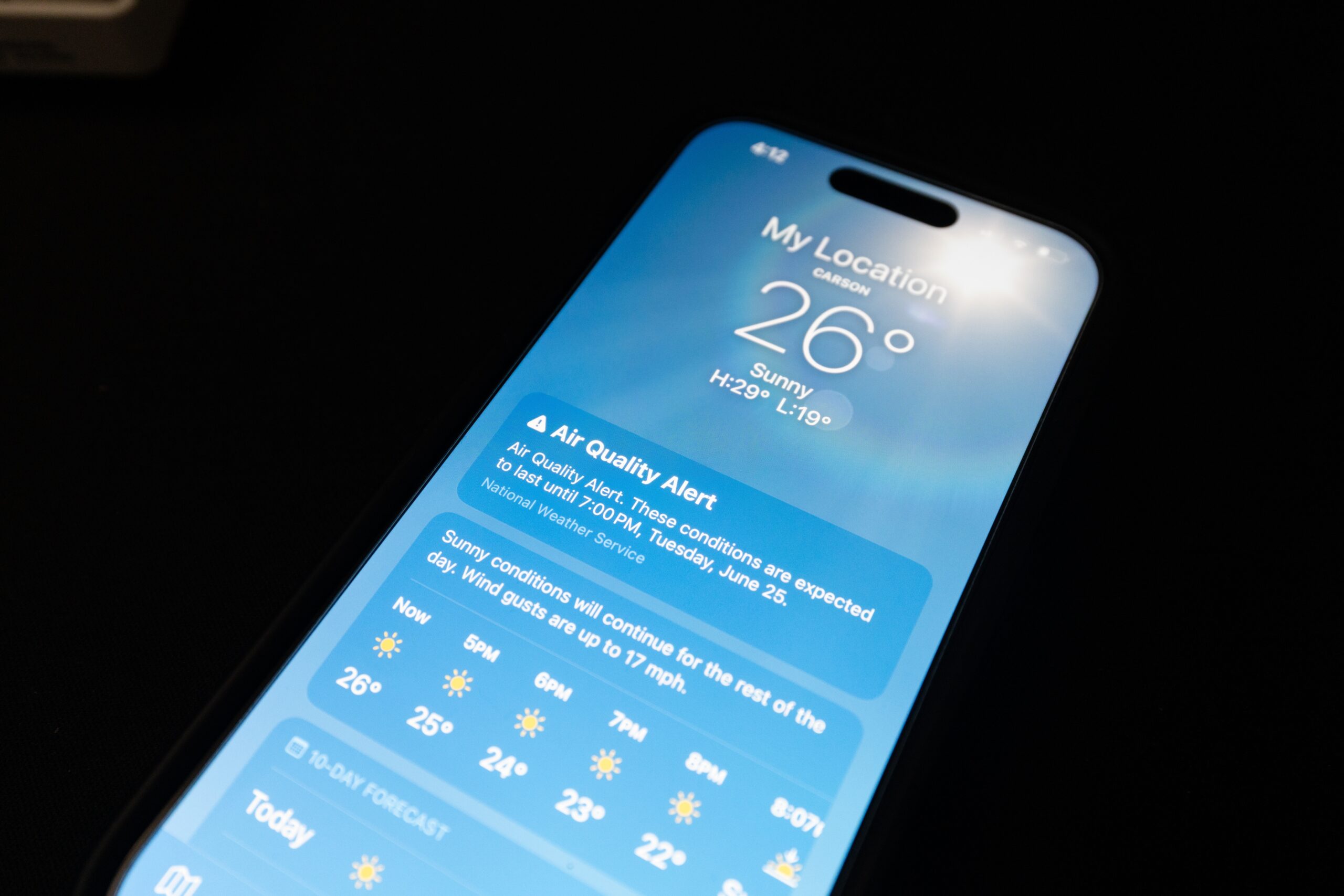
The home screen widget, which millions of people glance at to decide whether to bring a jacket or an umbrella, was showing “Weather not available.”
One iPhone 16 Pro Max user running iOS 26.4.2 described the experience plainly, “Apple Weather app won’t load any data, for any location.”
Another user wrote, “Not one weather location is reporting!!!” A Netherlands-based user noted that “in iOS the system default weather app is not functioning.”
The issue was not isolated to one platform, users reported problems on iPhone, iPad, Mac and Apple Watch simultaneously.
The outage appeared to be intermittent rather than total, some users could load weather for certain locations while others saw nothing at all.
That kind of inconsistency is typical of server-side failures, where Apple’s backend systems are struggling under load or dealing with a partial failure that affects different users differently depending on which servers their requests are routed to.
Apple Slow To Acknowledge Issues
One of the more frustrating aspects of Tuesday’s outage was how long Apple’s own System Status page took to acknowledge the problem.
Apple maintains an official status page at apple.com/support/systemstatus that tracks the availability of its various services, iCloud, the App Store, iMessage, Apple Weather, and dozens of others.
For a significant portion of the outage, that page showed a green indicator next to Apple Weather, meaning no issues detected, despite widespread reports of the app failing across multiple platforms and countries.
It was not until approximately 2:06 PM Eastern time that Apple’s System Status page finally updated to show a red triangle next to the Apple Weather icon, formally acknowledging that the app “may be slow or unavailable for some users.”
By that point, users had been reporting problems for more than two hours. Apple confirmed the fix at 2:30 PM Eastern, meaning the official acknowledgment and the resolution came within about 25 minutes of each other.
9to5Mac noted that Downdetector simultaneously showed a spike in reports about The Weather Channel app during the same window.
That detail is relevant because Apple Weather, despite being Apple’s own product with its own backend, built in significant part on technology from Dark Sky, which Apple acquired in 2020 for a reported $49 million, still uses The Weather Channel as one component of its broader data sources.
When The Weather Channel’s systems experience problems, it can affect Apple Weather’s ability to load certain data.
Whether The Weather Channel’s simultaneous issues were a cause, a contributing factor, or simply a coincidence affecting the same Tuesday afternoon has not been disclosed by Apple.
What Is Apple Weather?
Apple Weather is the native weather application built into iOS, iPadOS, macOS and watchOS. It has been part of Apple’s platform since the original iPhone, but it underwent a significant transformation in 2020 when Apple acquired Dark Sky, a weather app beloved for its hyperlocal, minute-by-minute precipitation forecasts and elegant interface design.
Apple shut down the standalone Dark Sky app on January 1, 2023, integrating its technology directly into the native Weather app across all Apple platforms.
The result is a weather application that shows current conditions, hourly forecasts, ten-day outlooks, precipitation maps with minute-by-minute timing, air quality data, UV index, humidity, wind speed, visibility and atmospheric pressure, all sourced from a combination of Apple’s own weather backend, The Weather Channel’s data, and the precision precipitation forecasting technology it inherited from Dark Sky.
What makes an Apple Weather outage particularly disruptive compared to many other app outages is its role as infrastructure rather than optional utility.
The Weather app and its home screen widget function as the default weather layer for hundreds of millions of iPhone users who have never installed a third-party weather app because they have never needed to.
When it goes down, there is no fallback built into the device, users are simply left without weather data until the service recovers, unless they know to navigate somewhere else.
How To Fix Your Apple Weather App If It Isn’t Working
The official resolution came at 2:30 PM Eastern. If you are reading this after that time and the app is still not loading for you, these steps are worth trying in order.
Force-close and reopen the app. On iPhone, swipe up from the bottom of the screen to see open apps, find the Weather app, swipe it upward to close it, then tap it to reopen.
This forces the app to establish a fresh connection rather than continuing to retry a failed one.
Check your internet connection. Make sure you are not in Airplane Mode, that Wi-Fi or cellular data is active, and that other apps requiring internet, Safari, Maps, anything that needs a connection, are working normally.
If other apps are also having trouble, the issue is likely local to your device or network rather than Apple’s servers.
Restart your iPhone. A full restart clears cached connection states and sometimes resolves lingering issues after a service outage ends.
Visit apple.com/support/systemstatus to confirm the issue is officially marked as resolved.
If Apple’s status page still shows an ongoing problem when you check, the outage may not be fully remediated for all users even if it has been resolved for most.
If Apple Weather remains unavailable after trying all of the above, Weather.gov provides free, government-sourced forecasts that are independent of Apple’s infrastructure.
Carrot Weather, Accuweather and Weather Underground are also commonly used alternatives that pull from different data sources.
The outage on Tuesday is now resolved. The app is working. The forecast is back.