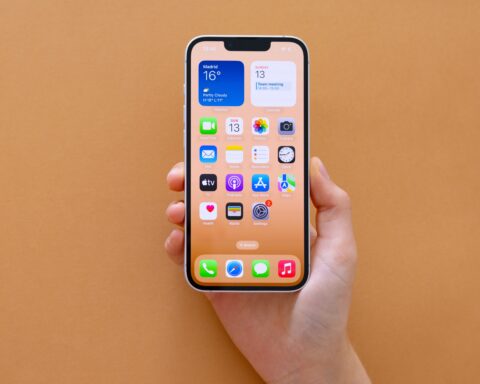

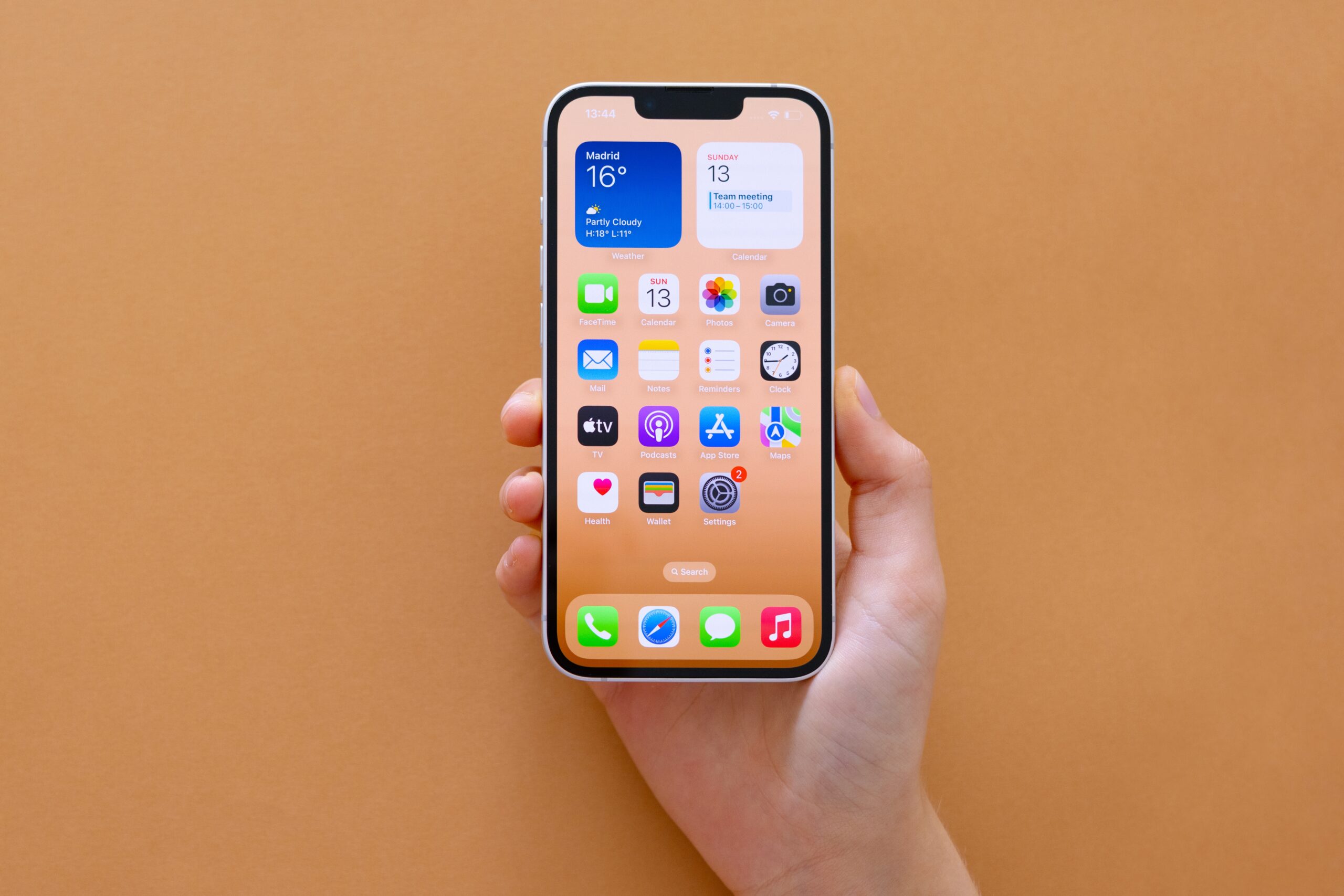
Apple released the Release Candidate build of iOS 26.4 on March 18, and if the pattern from recent years holds, the public rollout will begin as early as Monday, March 23.
The RC, a build that represents the final version of the software before it goes out to the general public, landed alongside iPadOS 26.4, macOS Tahoe 26.4, watchOS 26.4, and tvOS 26.4.
This is not a minor patch. Apple’s official release notes for iOS 26.4 document 13 enhancements across music, podcasts, messaging, security, CarPlay, the camera, reminders, and the lock screen.
For context iOS 26.3, released in February, was a relatively light update. iOS 26.4 is the first meaningful feature drop since iOS 26 shipped in September 2025.
Here is everything that is coming to your iPhone.
Apple Music Gets Its Biggest Update In Years
The headline feature for most users will be Playlist Playground, a new Apple Intelligence-powered tool inside Apple Music. You type a text description, a mood, an activity, a vibe, something abstract, and the system generates a 25-song playlist tailored to what you described.
You can then refine the results and choose cover art. Apple is launching it in beta with iOS 26.4, which signals it will continue to be updated rather than arriving fully finished.
Alongside Playlist Playground, Apple Music is getting a redesigned album and playlist view with full-screen artwork display, a Concerts feature that surfaces live event information for artists you listen to, and a new AutoMix capability that transitions between songs the way a DJ would, beatmatching and time-stretching at the transition point rather than simply fading.
The music updates alone make iOS 26.4 worth the install for anyone who uses Apple Music regularly.
Podcasts Goes Video-Native
Apple Podcasts is getting native video episode support for the first time. In iOS 26.4, video podcasts stream through HLS directly in the Podcasts app, with the ability to switch between audio and video formats mid-episode and download video episodes for offline listening.
Apple’s recommendation engine and editorial placements will surface video episodes alongside audio content, which matters for discoverability.
This has been a long time coming. Video podcasts have existed on YouTube and Spotify for years.
Apple is now building it directly into the infrastructure it already has on over a billion devices.
Stolen Device Protection Is Now On By Default
This is the security change that matters most for everyday users. Stolen Device Protection, introduced in iOS 17.3, previously had to be manually enabled in Settings.
In iOS 26.4, it is turned on by default for anyone with two-factor authentication active on their Apple ID.
What the feature does it requires Face ID or Touch ID biometric authentication before allowing access to saved passwords, before turning off Lost Mode, and before certain sensitive account changes.
If someone steals your iPhone, knows your passcode, and tries to access your passwords or disable tracking, they will be stopped by the additional biometric layer.
The manual toggle to turn it off remains available, but the change flips the default, which in practice means many more iPhones will be protected than before.
CarPlay Now Supports Third-Party AI Chatbots
iOS 26.4 includes the framework for third-party AI assistants to run natively in CarPlay.
That means apps from OpenAI (ChatGPT), Google (Gemini), and Anthropic (Claude) will be able to integrate directly into the CarPlay dashboard, pending updates from each company to add the support on their end.
Apple is providing the infrastructure, the timeline for each chatbot’s availability depends on how quickly those developers implement it.
Separately, CarPlay video playback is confirmed active in iOS 26.4. Passengers can watch content through apps including Apple TV while the vehicle is parked.
The feature is restricted to passenger use and is disabled when the car is in motion.
Camera: Audio Zoom
The Camera app adds a feature called Audio Zoom in iOS 26.4. When you zoom in on a subject while recording video, the microphone now narrows its focus to match, reducing ambient sound from outside the frame and producing cleaner audio on telephoto shots.
If you are recording a performance, a speech, or an interview from a distance, the audio quality improves without any external microphone.
Hotspot Data Usage Per Device
Personal Hotspot now shows a breakdown of data usage by device. Rather than seeing a combined total for everything connected to your hotspot, you will see individual figures for each device.
If someone in your household is burning through your data plan, you will now be able to see exactly who and how much.
Reminders: Urgent Tasks
The Reminders app adds an Urgent section in iOS 26.4. Items flagged as urgent are grouped together and can trigger more prominent alerts as deadlines approach.
Users can filter their full task list to show only urgent items. It is a small structural addition, but for anyone who uses Reminders heavily, the ability to separate high-priority tasks from the rest without building a separate list is genuinely useful.
Eight New Emojis
iOS 26.4 ships with eight new emoji from the Unicode standard: trombone, treasure chest, distorted face, hairy creature, fight cloud, orca, landslide, and ballet dancer.
There are also new skin tone variations for the people wrestling and dancers with bunny ears emoji, and a gender-neutral option for the ballet dancer. Emoji updates are always among the most-searched iOS features regardless of what else ships in the same build.
Ambient Music Widget And Health Tracking
An Ambient Music widget is now available for the Home Screen, giving you direct access to Apple’s built-in background sound categories, Sleep, Chill, Productivity, and Wellbeing, without needing to open Control Center.
The feature has existed since iOS 18.4, this simply makes it faster to reach.
The Health app adds average bedtime tracking, recording your average bedtime over the previous two weeks.
Apple says this gives users a clearer picture of how their sleep schedule affects overall sleep quality rather than looking only at individual nights.
Family Sharing Payment Changes
Purchase Sharing is getting a significant change in iOS 26.4. Adult members of a Family Sharing group will now be able to add their own payment method and make purchases independently rather than relying on the family organizer’s card.
This has been one of the most commonly requested Family Sharing changes for years, the existing setup required the organizer to approve or manage purchases made by other adults in the group, which created friction for families with multiple adults sharing a plan.
What Is Not In iOS 26.4
The update that iOS 26.4 was most anticipated to deliver was a next-generation version of Siri with deeper Apple Intelligence integration and Gemini-powered capabilities.
That is not in this build. Apple confirmed the most significant AI features for Siri have been delayed to iOS 26.5 or potentially iOS 27.
MacRumors noted that after a full year of anticipation around the revamped Siri, iOS 26.4 will likely be remembered partly for not including it.
End-to-end encryption for RCS messaging between iPhones and Android devices was tested in multiple betas of iOS 26.4 but was removed before the Release Candidate shipped. Apple says the feature will come in a future update.
When To Expect It
Based on Apple’s pattern for the past three years, iOS 18.4 launched March 31, iOS 17.4 launched March 5, iOS 16.4 launched March 27, the public release of iOS 26.4 is expected on Monday, March 23.
The RC build number is 23E244. To check for the update, go to Settings, then General, then Software Update.